Yet Another PDF Editor
A lightweight, open-source PDF editor. Edit the text and images already in your PDFs, comment, fill and sign forms, and organize pages. Free for everyone.
Windows · macOS · Linux · MIT license · installer under 15 MB
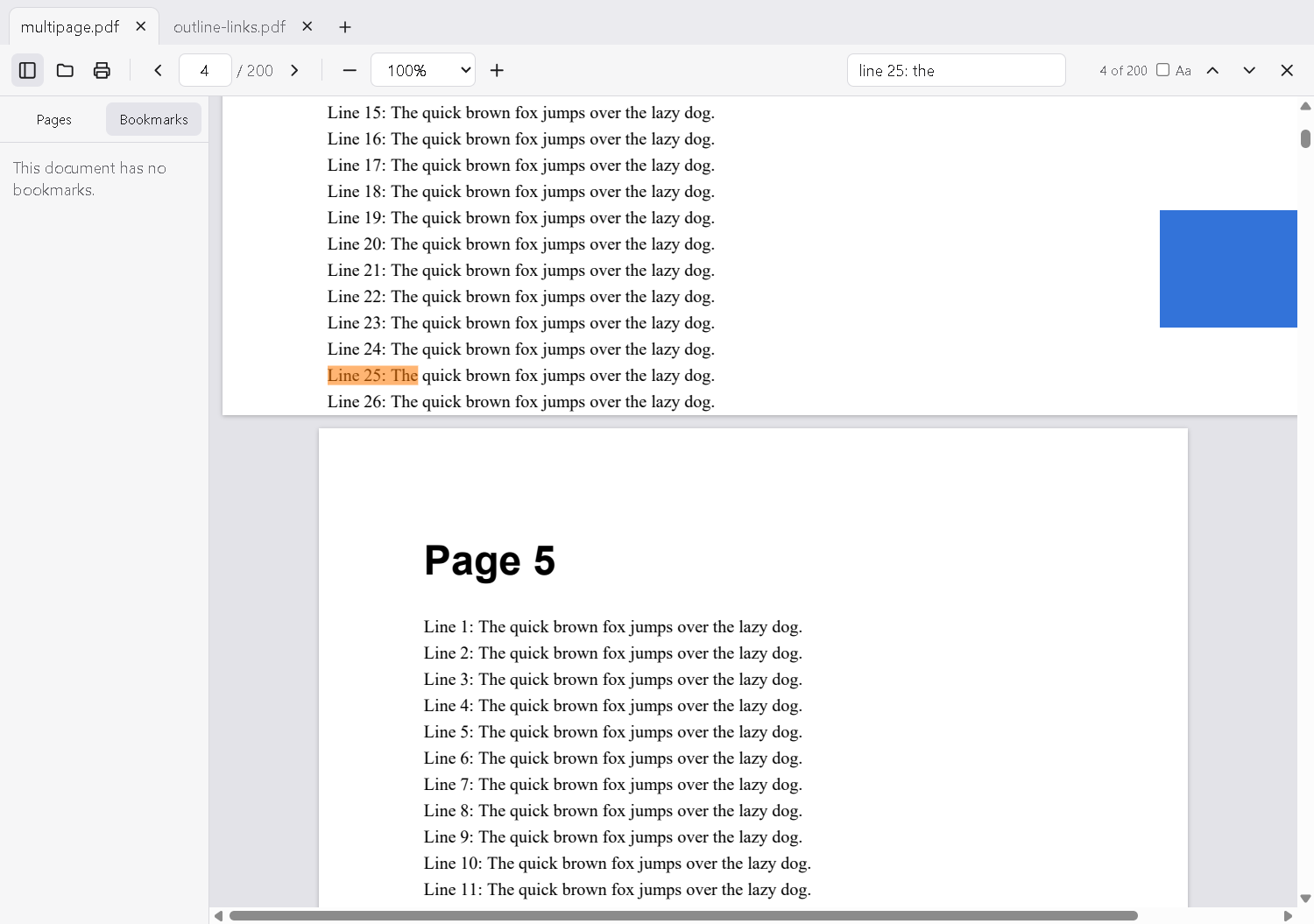
Everything you need, nothing you don't
Built on PDFium, the PDF engine inside Google Chrome, so it opens almost any PDF quickly.
Edit text in place
Double-click any paragraph and type. Edits keep the document's own fonts, wrapping and spacing.
Replace images
Swap, move, resize or delete pictures, and add new text and images anywhere on a page.
Comment and mark up
Highlight, underline and strike through text, add sticky notes, draw freehand and add shapes.
Fill and sign
Fill in form fields and sign by drawing, typing your name, or using an image of your signature.
Organize pages
Reorder by dragging thumbnails, rotate, delete, insert, merge PDFs, extract pages and split files.
Protect and redact
Add AES-256 password protection, permanently remove sensitive content, and reduce file size.
Download
Free installers for every platform are published on GitHub Releases. Installed copies update themselves.
Open source
Yet Another PDF Editor is released under the MIT license. The code, the issue tracker and every release are public on GitHub. Bug reports, ideas and pull requests are welcome.
Code signing policy
Free code signing provided by SignPath.io, certificate by SignPath Foundation.
- Only release builds made by the project's public GitHub Actions workflow from the public source code are signed.
- Committers and reviewers: members of the uaip-dev organization.
- Approvers: the project maintainers in the uaip-dev organization approve each signing request before a release is published.
Privacy
Your documents never leave your computer. The app has no accounts, no analytics and no tracking.
This program will not transfer any information to other networked systems unless specifically
requested by the user or the person installing or operating it, with one exception: installed
copies check GitHub (github.com) for a newer version shortly after starting. That
request contains no personal data or document content.